Register (Position, Role, Org. Structure)
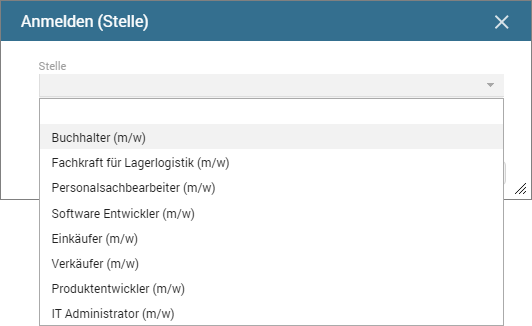
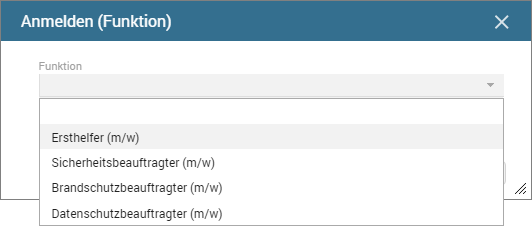
Various capabilities are available for seminar registration. Registration can either be people-specific or related to a position, role or organizational unit. In this case, all employees assigned to the respective position, role or organizational unit are registered for the seminar. By selecting a registration function from the Actions menu, the corresponding dialog opens which, for example, allows selecting the positions to be registered.
Register (position)
Register (role)
Register (org. structure)
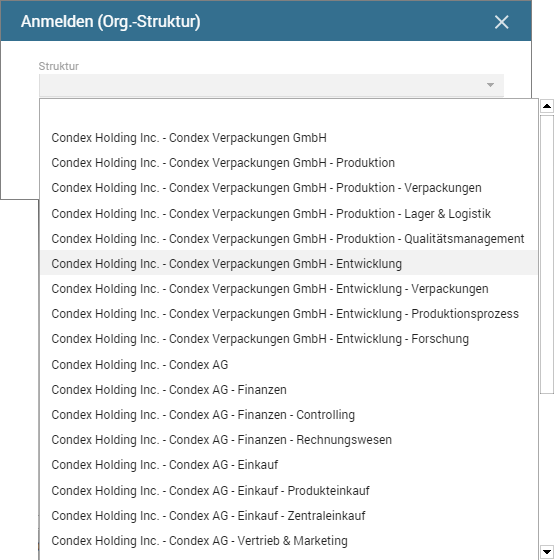
Following selection, e.g. of the organizational unit Condex Packaging, Inc. - Development, the associated employees are included in the date. The bottom part of details view displays the employee names and registration status.
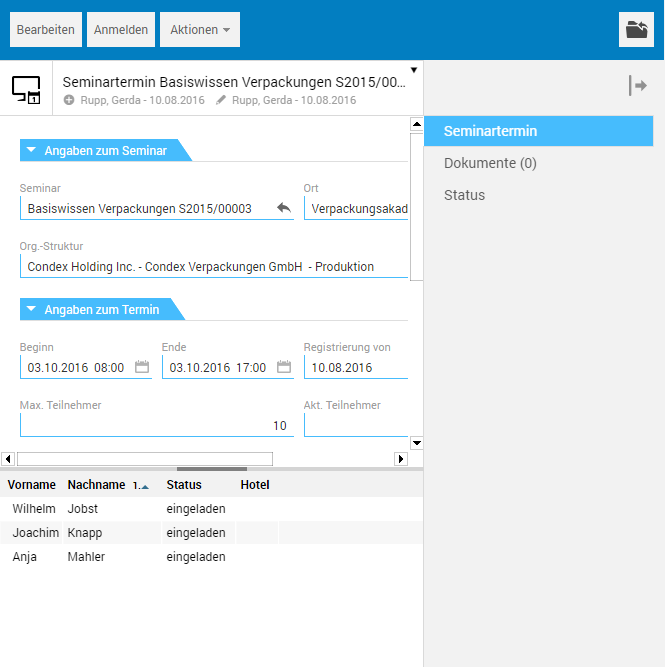
By clicking an employee in the participant list, you are taken to the associated registration file that already shows the personal details of the participant as well as the event dates.
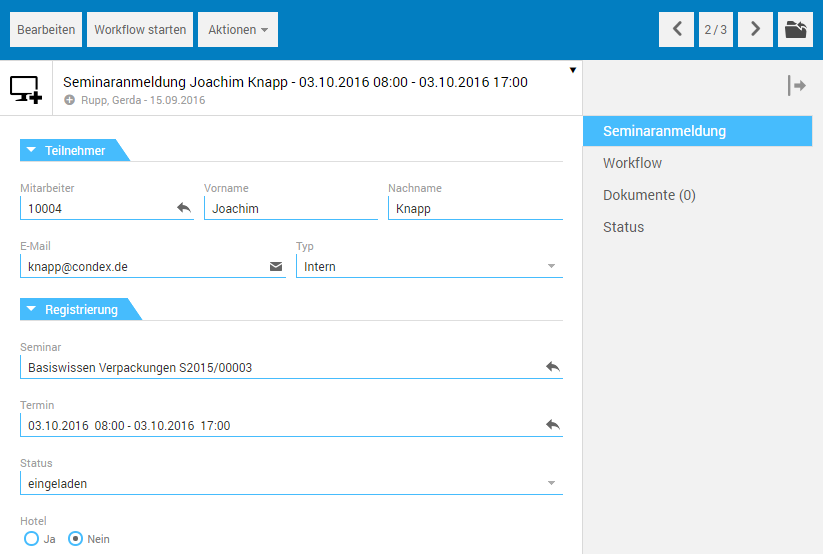
After that, advanced processing of the registration - both manually and automated via workflow - can be performed.
The arrow buttons in the toolbar allow you to switch between the registration files of the participants.